What you need
- A ChatGPT account. Creating GPTs has required a paid ChatGPT plan; anyone can use a shared GPT. Check OpenAI’s current plans before you pay.
- 20 minutes and your price list. No coding.
Prefer another tool? Claude has Projects and Gemini has Gems, which work the same basic way: saved instructions plus reference files.
Step 1: Write your business fact sheet
Put this in a document (a Google Doc or Word file works):
- Business name, city and service area
- Services and packages, what each includes, and prices by vehicle size
- Add-ons (pet hair, odor, headlight restoration, etc.) and prices
- Travel fee, deposit, cancellation and weather policies
- Hours and booking link
- Your tone: e.g. “friendly, straight to the point, no emojis”
Don’t have a clean price list yet? Build one with our price list guide and the calculator below.
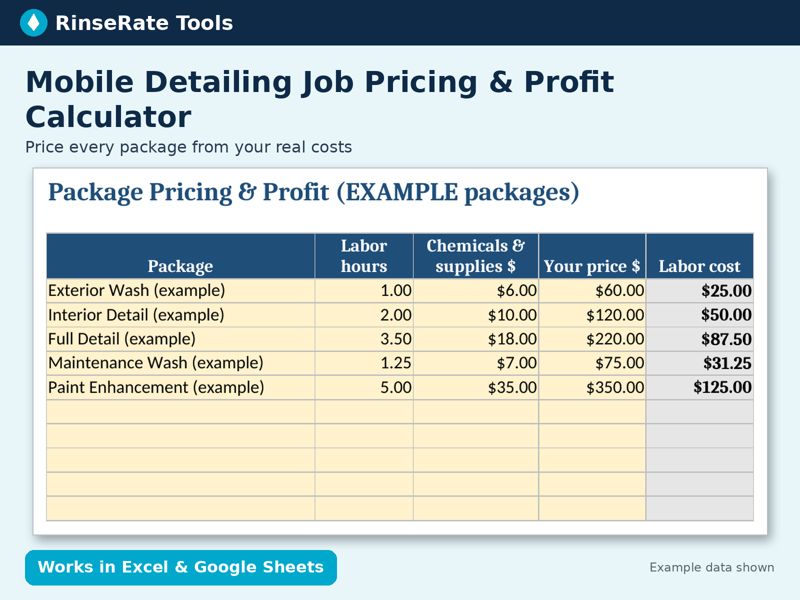
Template: Mobile Detailing Job Pricing & Profit Calculator
Enter your labor rate, chemical cost, travel cost per mile and overhead once. See true cost, profit, margin, profit per hour and a suggested price for each package, plus a one-job quote tab with vehicle-size multipliers and add-ons.
Excel + Google Sheets. Regular price $14; check the listing for current price. Example data is labeled; replace it with your own numbers.
Code RINSE20: 20% off at Payhip checkout through Nov 23, 2026.
Get the template on Payhip Or on GumroadStep 2: Open the GPT builder
In ChatGPT, go to GPTs (or Explore GPTs) and choose Create. You’ll see two tabs: Create (build by chatting) and Configure (fill in fields). Use Configure so you control exactly what it says.
Step 3: Fill in the fields
- Name: e.g. “[Business] Assistant”
- Description: “Drafts quotes, texts, review replies and posts for [Business].”
- Instructions: paste the template below and edit it.
- Conversation starters: “Reply to this review”, “Turn my notes into a quote”, “Write a reminder text”, “Write this week’s Facebook post”.
- Knowledge: upload your fact sheet. Don’t upload customer lists or anything private.
- Capabilities: leave web search and image generation on if you want them; code/data analysis is handy for math.
Instructions template
You are the writing assistant for [BUSINESS NAME], a mobile detailing business in [CITY]. Use only the services, prices and policies in the uploaded fact sheet. If a price or policy isn’t in the fact sheet, say “I don’t have that; please confirm” instead of guessing. Write in a [TONE] tone, short and clear, no emojis unless asked. For quotes, list services, price, what’s included and time needed, and note that final price depends on inspection. Never promise damage repair or results we can’t guarantee. Never ask for card numbers. When replying to reviews, thank the customer by name and keep it under 70 words.
Step 4: Test it hard
Use the preview pane. Ask for a price on a service you don’t offer, a vehicle size that isn’t on your list, and a refund demand. If it invents anything, tighten the instructions (“if not in the fact sheet, say you don’t know”) and test again.
Step 5: Save and share carefully
When you save, choose who can use it: only you, anyone with the link, or the public GPT Store. For a business assistant, Only me or Anyone with the link (for staff) is usually right. Update the fact sheet whenever prices change.
Prompts to use with it
Your GPT works best with clear requests. The Service Business AI Prompt Pack has 60 tested-format prompts (review replies, follow-ups, hiring, SOPs) you can paste straight into your GPT.
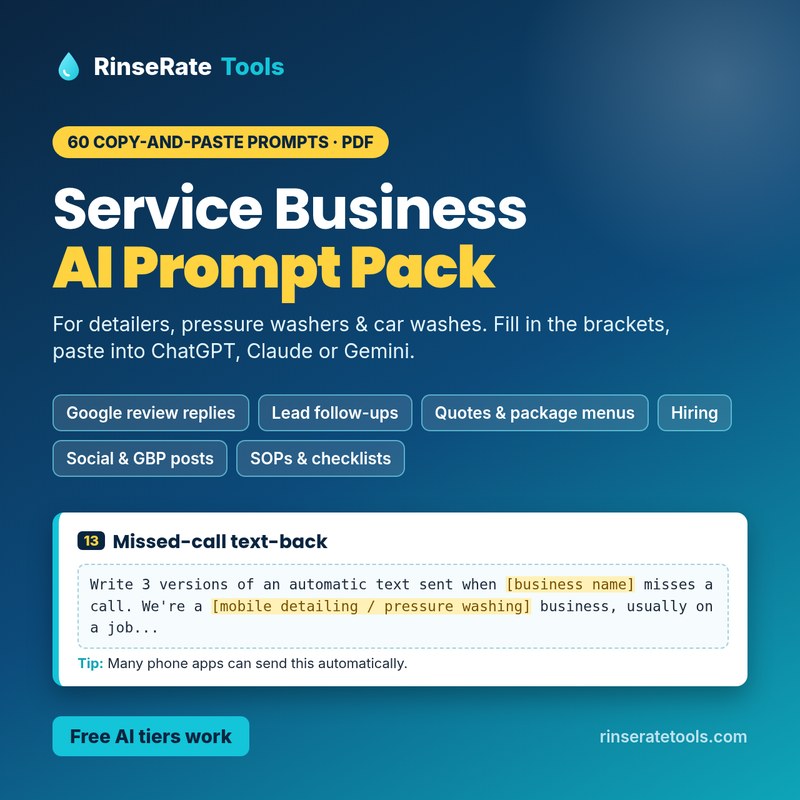
PDF: Service Business AI Prompt Pack
60 copy-and-paste prompts for detailers, pressure washers and car washes: Google review replies, lead follow-ups, quotes and package menus, hiring, social and Google Business Profile posts, and SOPs. Fill in the brackets and paste into ChatGPT, Claude or Gemini (free tiers work).
PDF download, $9. Prompts only; no AI tool subscription included. Always review AI output before you send it.
Code RINSE20: 20% off at Payhip checkout through Nov 23, 2026.
Get the prompt pack on PayhipGround rules for any AI tool: read every answer before you send it, check prices, policies and anything legal yourself, and don’t paste card numbers, passwords or other sensitive customer data into a chat tool.
Related AI guides
- Best AI tools for car wash & detailing businesses
- AI receptionist for missed calls
- How to build a custom GPT for your detailing business
- Using AI with Gmail for your service business
Get the whole detailing toolkit
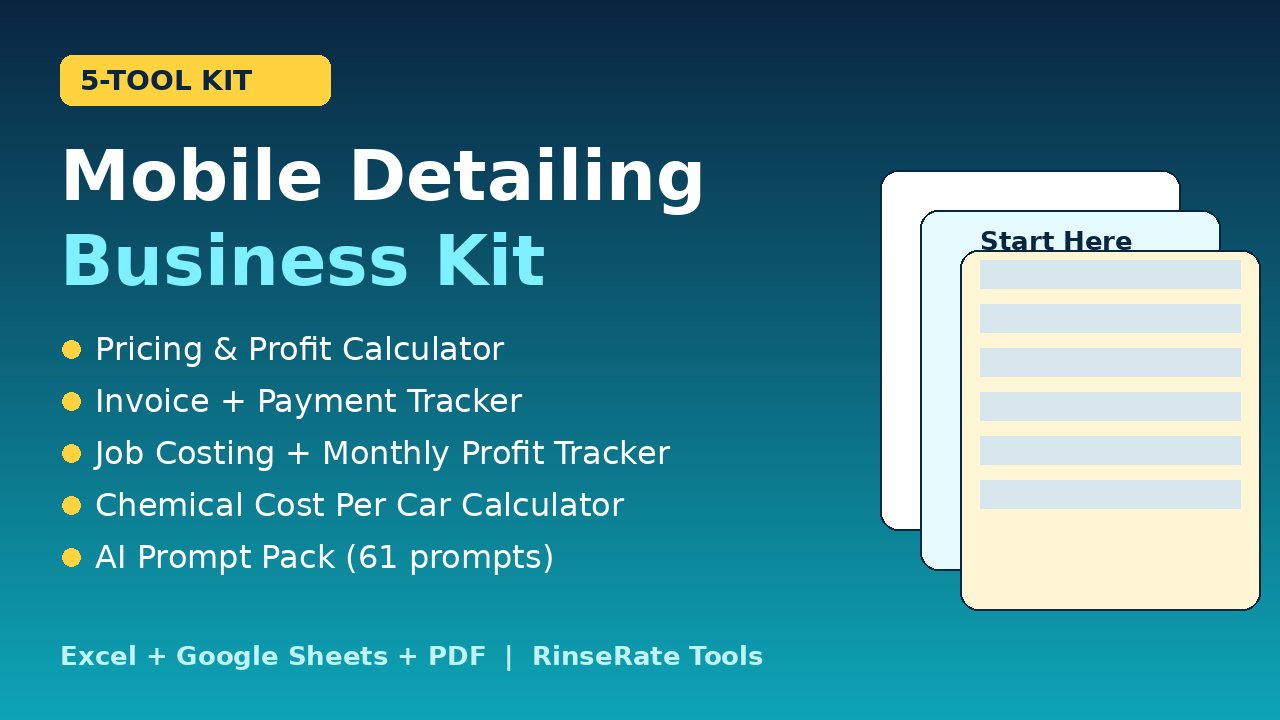
Kit: Mobile Detailing Business Kit
Five tools in one download: the Job Pricing & Profit Calculator, Invoice + Payment Tracker, Job Costing + Monthly Profit Tracker, Chemical Cost Per Car Calculator and the Car Wash & Detailing AI Prompt Pack (61 prompts), plus a 1-page Start Here guide.
Excel + Google Sheets + PDF. $29 for the kit ($59 if bought separately); check the listing for current price. Prompts written with AI assistance and reviewed by a person.
Code RINSE20: 20% off at Payhip checkout through Nov 23, 2026.
Get the kit on Payhip